- Introduction of the Home Automation project
- Part 2: Setting up the Raspberry Pi
- Part 3: Building the control box
- Part 4: Securing the software
- Part 5: Public access to the service
- Part 6: Setting up the app
Products such as security systems and other projects, also known as the Internet of Things (IoT), have become very popular over the last few years both commercially and in the DIY sector. With the introduction of the Raspberry Pi 3, which has a builtin WLAN-chip, many new applications in the area of IoT became possible without using an unhandy WLAN dongle.
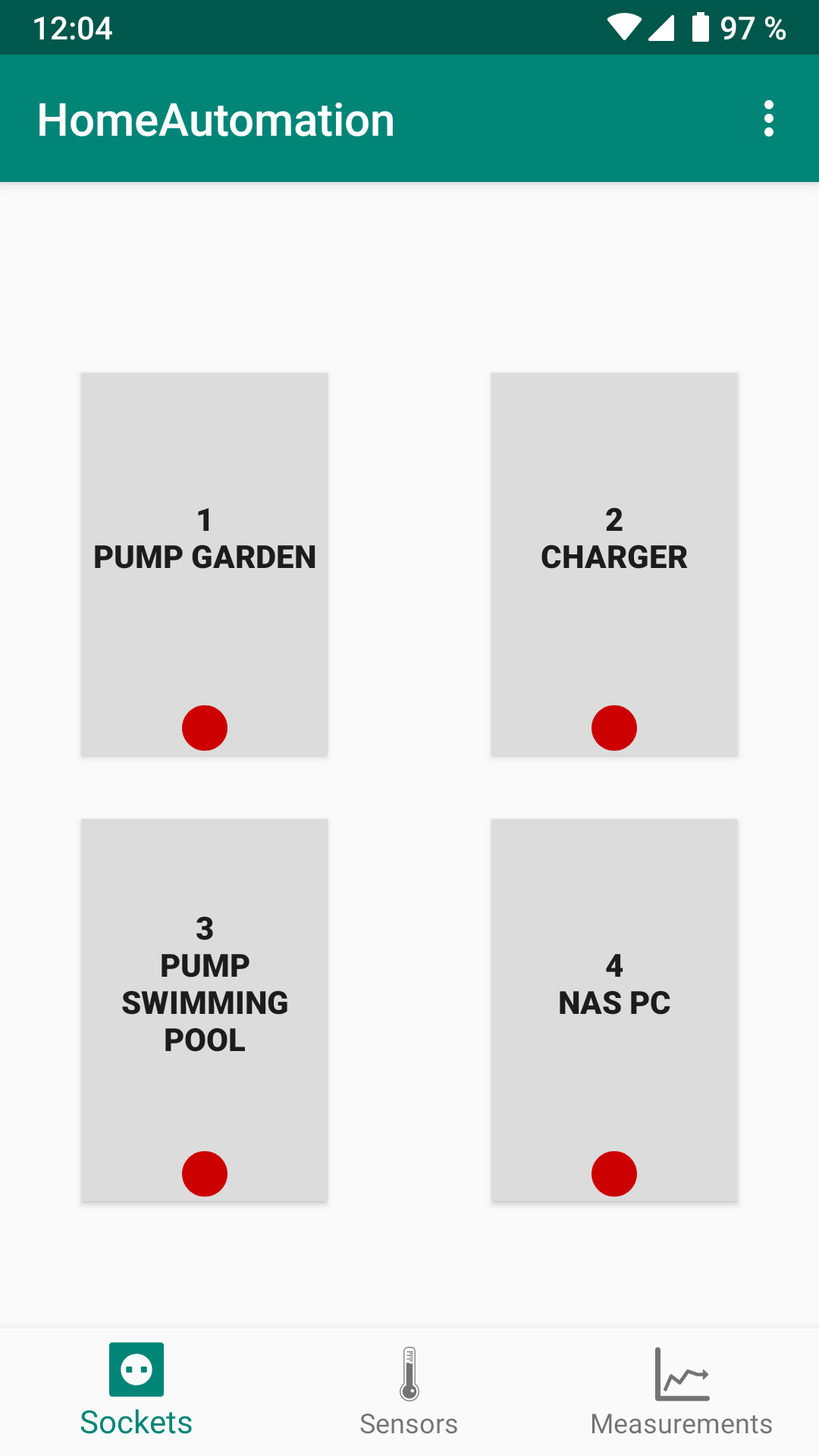
This 6-part article series is a guide to create your own Remote-Control-Box. The HomeAutomation-App, which is available in the Play Store, allows you to control different devices with your smartphone. Besides that, multiple sensors can be used and read within the app. One use-case of the Remote-Control-Box is to start an irrigation system with a pump in your garden.


How does it work?
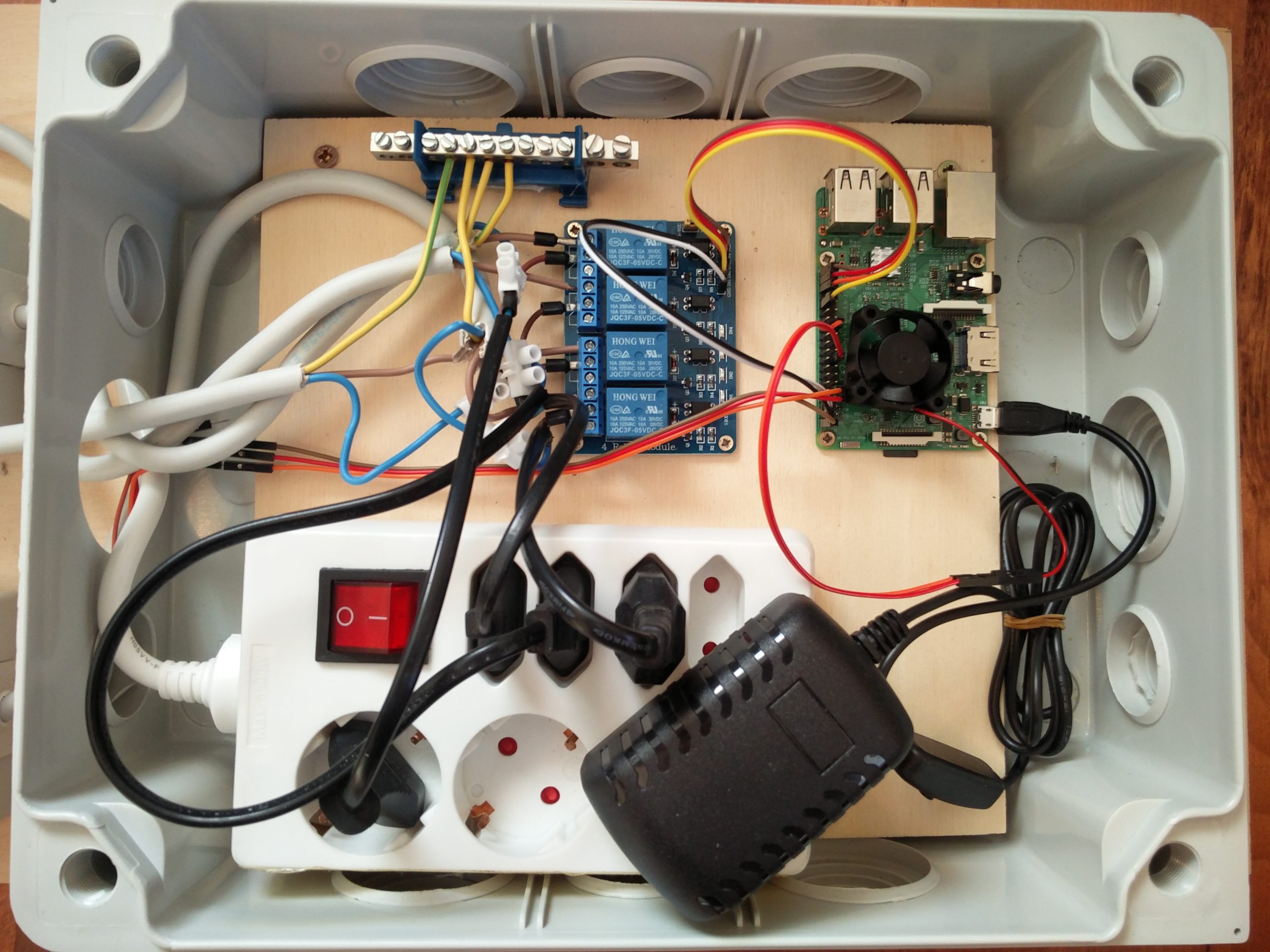
The HomeAutomation Remote-Control-Box basically consists of four parts: the Raspberry Pi and the sensors controlled by it, a relay and the sockets connected to it.
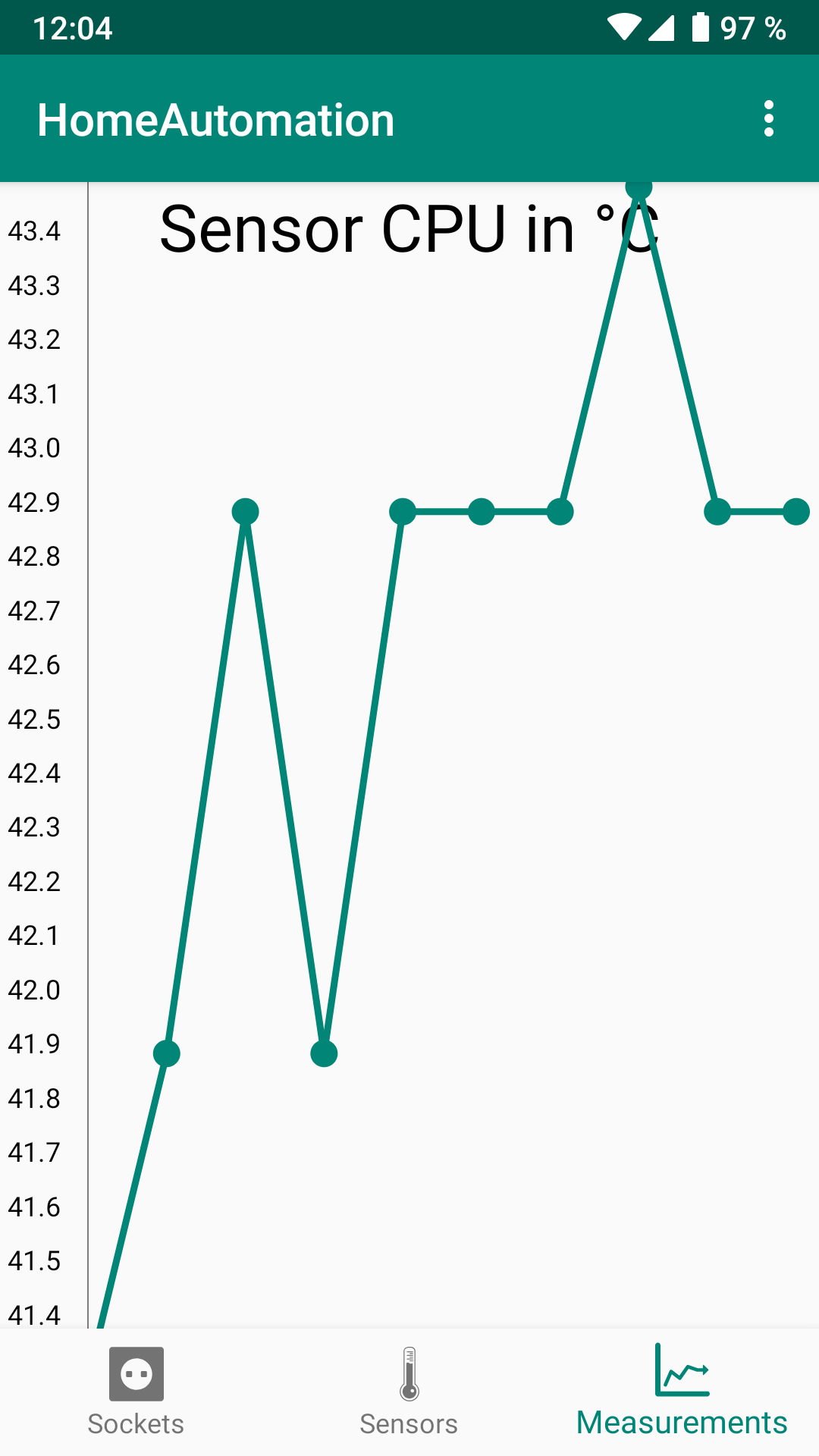
The Raspberry pi is the main control component of the project and acts as a controller for the sensors and a web server, which communicates with the Android app. In the app the sensor data can be read and displayed graphically and the outputs of the relay can be switched. A relay is needed to be able to switch such high voltages as those found in common sockets. Please read Part 3: Building the control box for the detailed construction of the HomeAutomation Remote-Control-Box.
Requirements:
- Raspberry Pi 3
- Charger for the Raspberry Pi
- Micro SD-card
- HDMI cable
- Raspberry Pi 3 cooler set
- OR the Raspberry Pi 3 set
- Plug sockets (input)
- Plug sockets (output)
- Cable for connection between relay and Pi
- Verbinder von zwei Kabeln
- Box
- Sensors (optional)
- Glue gun with accessories
- Screws (8x M2.5x5mm, 4x M5)
- Plywood plate (60×30 cm)
- Plywood plate (22×22 cm)
- Cable for the connection between the two plug sockets
- Zero conductor terminal
Part 2: Setting up the Raspberry Pi describes the installation and configuration process of the raspberry pi for the usage in the LAN.
